
Email vs Announcements
Email is a beautiful thing. Inside a company, it helps us coordinate work and share what we learn.
But have you ever tried emailing an announcement to people in your company?
Announcements aren't normal emails. They're more like broadcasts. So you're forced to ask yourself, who should I send the email to?
- On the one hand, you don't want to spam people who aren't interested in it.
- On the other hand, you don't want to leave people out who should receive it—depriving teammates of valuable information!
Why not just email everyone?
You could always send it to everyone, but that feels like spam.
An unwanted email announcement, even if it's from someone within the same company, is still unwanted. It still forces each recipient to read it, determine if it's important to them, and decide if they need to reply or if it's safe to delete.
When you email everyone, you're violating email's implicit contract: you can reach anyone in the company with a few keystrokes, but because of that, you have to make sure you only send information they care about. That's a lot of power and a lot of responsibility.
And have you ever been part of a reply-all storm?

You share an announcement. Someone hits reply-all and shares their thoughts. Before you know it, others are hitting reply-all to say "DO NOT REPLY ALL" to the initial reply-all. Everyone is getting spammed with emails.
With that horror fresh in your mind, you decide to respect your co-workers and stop emailing everyone.
Who do you email?
When you can't email everyone, you have to choose each recipient manually. And in that case, you'll surely include at least one person who doesn't care and exclude someone who needs it badly. If you're really good, you'll do both at the same time.
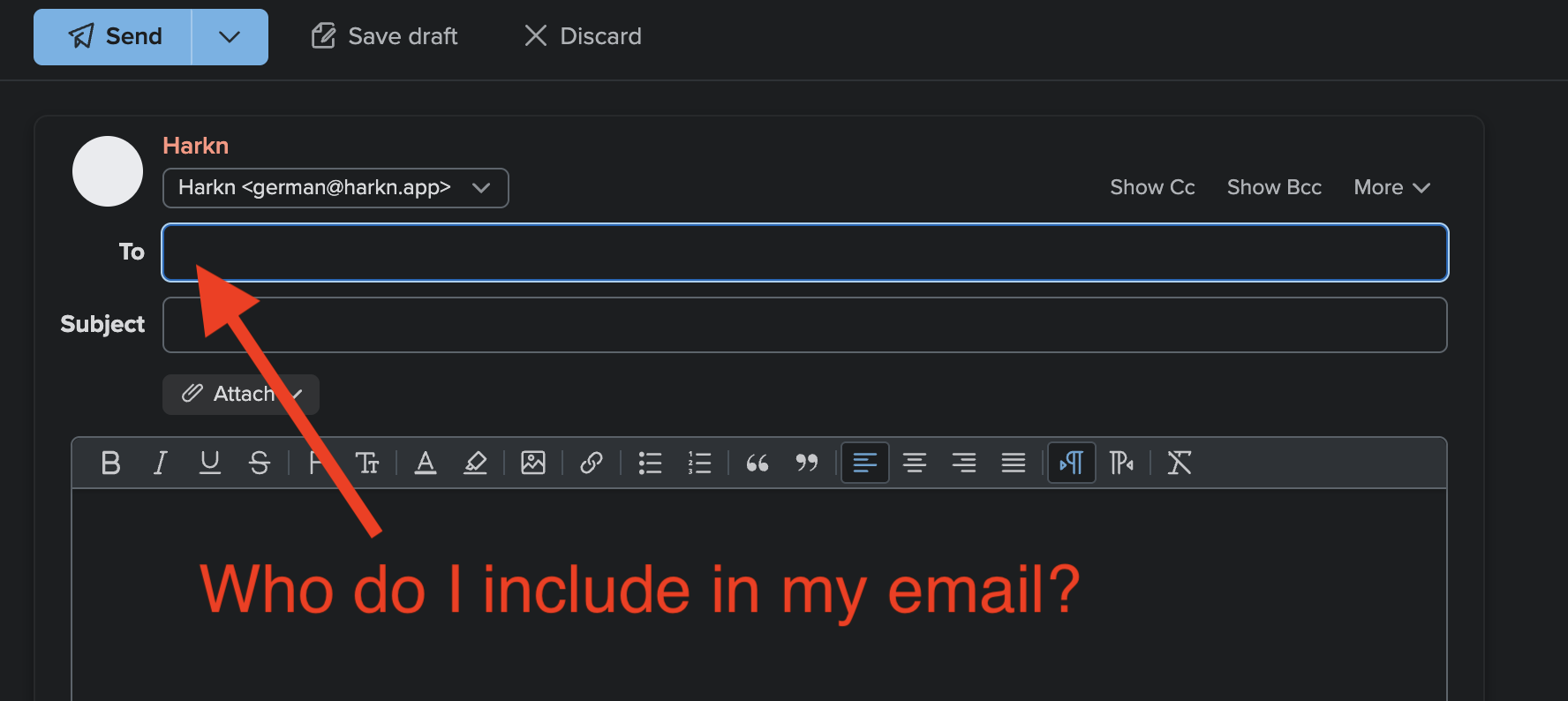
The thing is, in most cases it's actually impossible for you to know who should get the announcement.
To choose wisely, you need more information—you need to know who is interested in the announcement before you send it. But the only people who have that information are the would-be recipients! 🤦
Make preferences explicit
What if your co-workers self-selected into groups based on their preferences ahead of time? Then you wouldn't have to guess who might be interested in your announcement.
That's exactly what Harkn does!
Harkn uses topics as a way for your team to organize into groups of "interests", thereby removing the lack-of-information problem.
Anyone can create and subscribe to a topic, and they can be about anything:
teams (e.g. #product, #eng, #sales, #marketing), projects (e.g.
#ui-upgrade, #analytics-phase-2), interests (e.g. #ai, #elixir,
#cats), announcement types (e.g. #lessons-learned, #wins, #new-hire),
etc.
And using them is simple.
When you write your announcement, just tag it with relevant topics. Harkn will automatically email the announcement to subscribers.
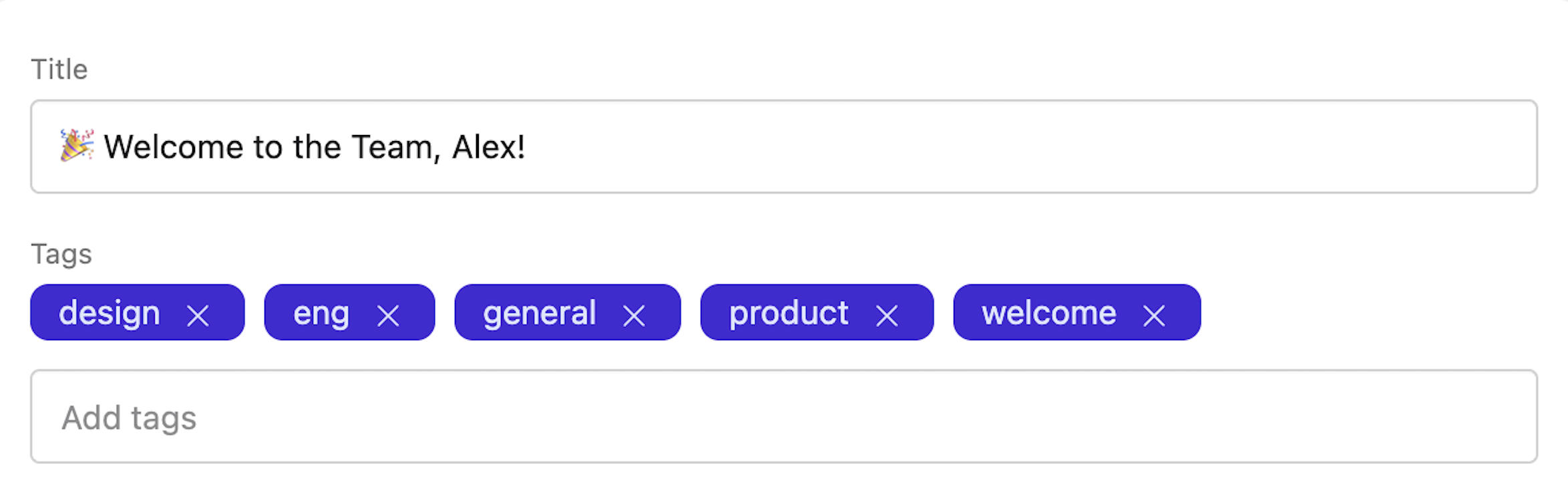
No more anxiety about who should and shouldn't receive your announcement. Only the right people—those who said they wanted to hear about a topic—get the announcement.
And hey, what if someone wasn't subscribed at the time?
No problem. Your announcement isn't trapped inside someone's email client. All announcements are posted in your team's Harkn dashboard! Your co-workers can always find the announcement there (you can even share a link with them), read it, and subscribe to those topics for the future.